LINUX MASTERY
Master the OS that powers the cloud, DevOps, cybersecurity & top-paying IT careers.

Still Stuck in GUI?
You can’t grow in IT without mastering the terminal.
If you’re still scared of commands, files, or permissions, you’re holding yourself back
❌ Can’t troubleshoot in real-time?
❌ Always depending on Google for basic commands?
❌ Missing job opportunities because “Linux experience” is always preferred?
It’s time to change that.
What You’ll Become After Linux Mastery
By the end of this program, you won’t just “know” Linux — you’ll live it.
✅ Confident in using CLI like a pro
✅ Able to automate boring tasks using shell scripting
✅ Comfortable managing servers, users, packages & permissions
✅ Ready to crack Linux rounds in DevOps, Cloud & Security interviews
And the best part? You don’t need any coding background to start.


Why Linux Mastery From Coding Superstar?
We’ve trained thousands of professionals and know where learners get stuck. This course is designed to simplify, not complicate
Concepts + Commands = Real Understanding
Daily hands-on labs, real-world scenarios
File system, boot process, permissions — made simple
Shell scripting from scratch to automation
Use cases from DevOps, Cloud, and IT Support jobs
Linux Mastery is a dynamic and rewarding career path
that offers excellent career prospects and opportunities for growth.
Roles You Can Apply For After Linux Mastery
Linux System Administrator
DevOps Engineer
Cloud Support Engineer
Site Reliability Engineer (SRE)
Technical Support Engineer – L1/L2
Other Relevant Profiles
Why Linux Mastery Certification Course from Coding Superstar?
Best mentorship
Industry expert mentors
Fast doubt clearing
Superior guidance
24x7 help
Instant help
Full-time support from qualified reps
All sorts of queries are answered professionally
Effective Learning
Learn through live projects
Quizzes and assignments
Lectures Videos
Lifetime Access
Lifetime free updates
Limitless access to the course content
Course access doesn’t expire
Certification
Coding Superstar certificate of training
Lifetime access
Lifetime access to updated recordings
Resume + LinkedIn
Resume + LinkedIn profile review
Live batches & support
1-on-1 mentorship & community support + Multiple live batches access for 1 year
Interview questions
Real-world interview questions & mock sessions
Linux Mastery Certification Curriculum
Curriculum Designed by Experts
What You’ll Learn (In Just 60–75 Days)
Program Fees
₹ 7999 ₹ 12000
Your total savings: ₹ 4001
ENROLL NOW
EMI & Financing Options Available.
Talk to our Advisors
BOOK YOUR DEMO WITH INDUSTRY EXPERTS NOW
Our team will connect with you soon
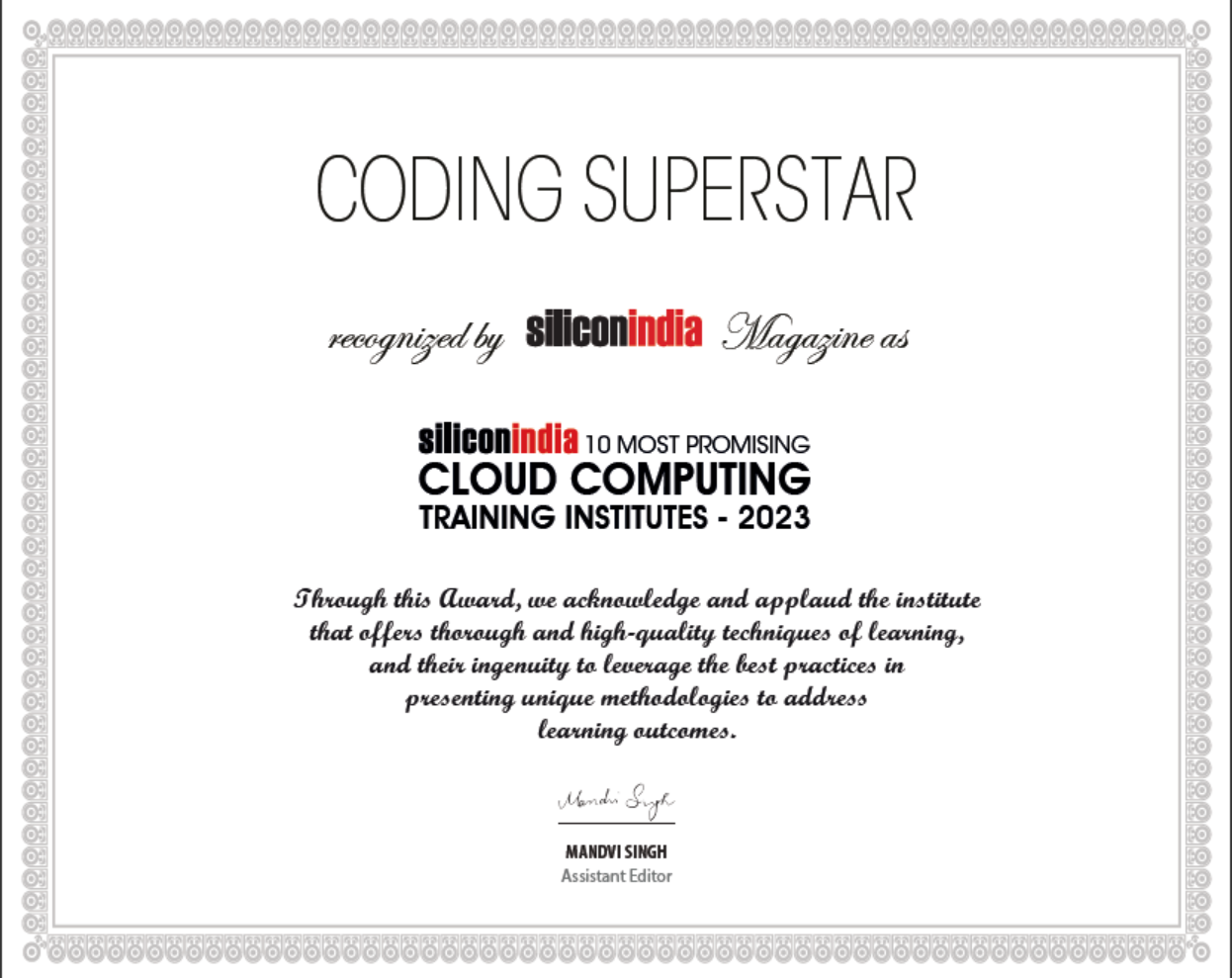
Featured in media
Coding superstar helps many professionals to acquire new skills and knowledge. With a plethora of variety of the courses offered and a passionate team of trainers and instructors, make your learning experience easy and fun. The course is affordable, and you can check all the schedules of classes and sessions with their proves on our website. We believe in self-growth and extend all the strategies to learn new skills and enhance self-growth. This global approach helps the new professionals to elevate to the next step in their career.
Our Alumni Are Shaping the Future at Global Tech Giants
From beginners to job-ready professionals—our practical, project-based training has helped thousands land roles at Microsoft, Accenture, Deloitte, and more. You could be next.




















Linux Skills Are Essential for Modern Tech Roles—And the Demand Keeps Rising
From system administration to DevOps, cloud, cybersecurity, and backend engineering—Linux is the foundation. Companies prefer candidates who are comfortable working with Linux-based systems, and the demand is rising across startups, MNCs, and cloud service providers.
Why Linux is a must-have skill today:
💻 Most servers, cloud environments, and production systems run on Linux
🛠️ Heavily used in AWS, Azure, GCP, Kubernetes, Docker, DevOps, and security operations
🏢 Companies like Red Hat, Infosys, Cognizant, IBM, Amazon, and Oracle actively hire Linux-skilled professionals
👨💼 Roles include Linux System Administrator, DevOps Engineer, Site Reliability Engineer, and Cloud Support Engineer
💰 Salaries range from 5–10 LPA for beginners, and go up to 25–35+ LPA for experienced professionals in DevOps and cloud roles
🌍 Global hiring is strong, especially in cloud infrastructure and cybersecurity-focused companies
If you're aiming for a long-term tech career, Linux is not optional—it's essential. Mastering it opens doors to cloud, automation, and infrastructure engineering roles.